

Tabs & Layered Content Interactions
Best for: comparing concepts, organizing categories, exploring related ideas without scrolling overload.
Common patterns include:
- Multi-topic tab panels
- Compare-and-contrast tabs
- Step tabs
- Category tabs
- Myth vs fact tabs
What learners do: Click tabs to switch views within the same screen.
Tab Interaction Examples:
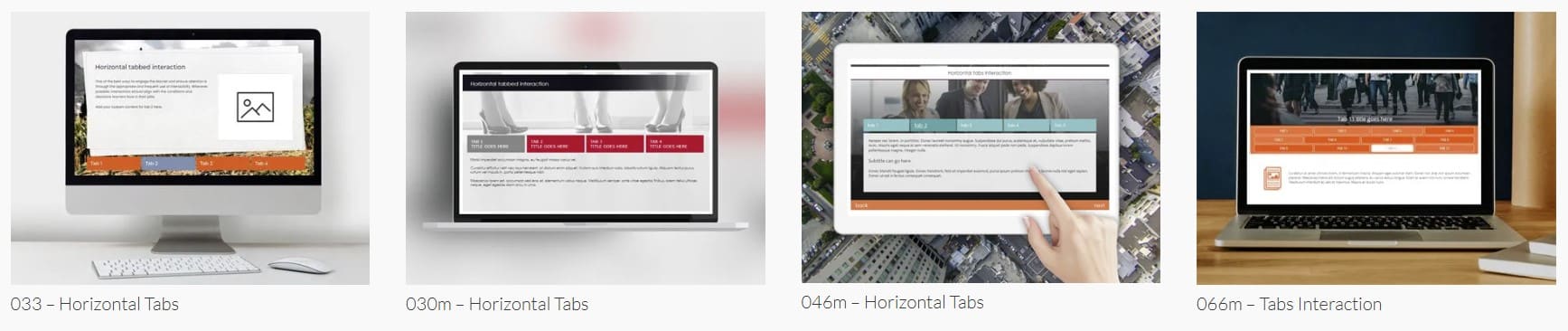
https://storylinetemplateslibrary.com/template-library/interactions/templates-interactions-tabs/
Content Carousel Examples:
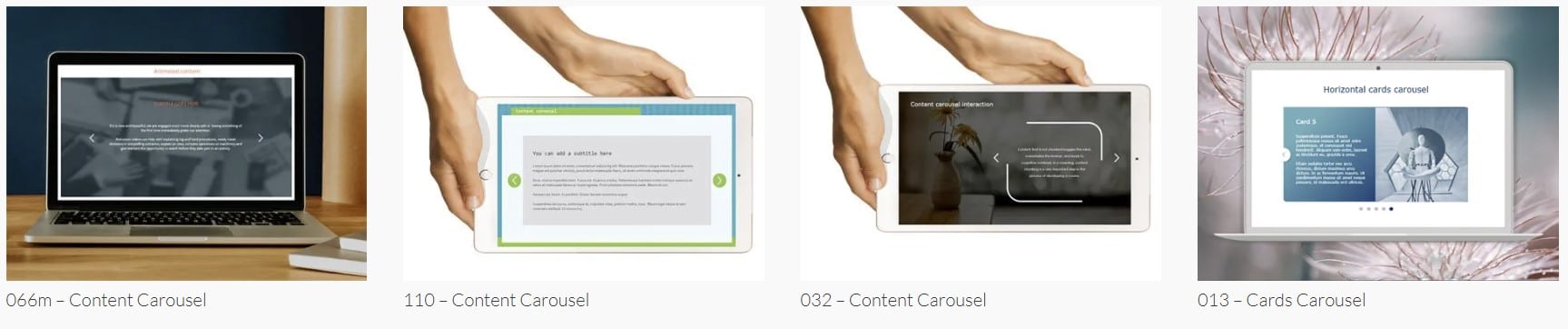
https://storylinetemplateslibrary.com/template-library/interactions/content-carousels/
Click-to-Reveal Interactions
Best for: progressive disclosure, sensitive topics, chunked learning, and curiosity-driven exploration.
Common patterns include:
- Click cards
- Flip cards
- Reveal panels
- Expand boxes
- Hotspot reveals
- Layered image labels
What learners do: Click elements to reveal hidden content.
Click and Reveal Examples:

Image Collage Examples:

https://storylinetemplateslibrary.com/template-library/interactions/image-collage/
Flip Cards Examples:

Scenario & Decision Interactions
Best for: behavior change, judgment, situational awareness, harm-reduction topics.
Common patterns include:
- Choose-a-response scenarios
- Situational judgment screens
- Dialogue choices
- Branch-lite decisions
- Consequence reveals
What learners do: Choose responses and see outcomes or feedback.
Character Choice Examples:
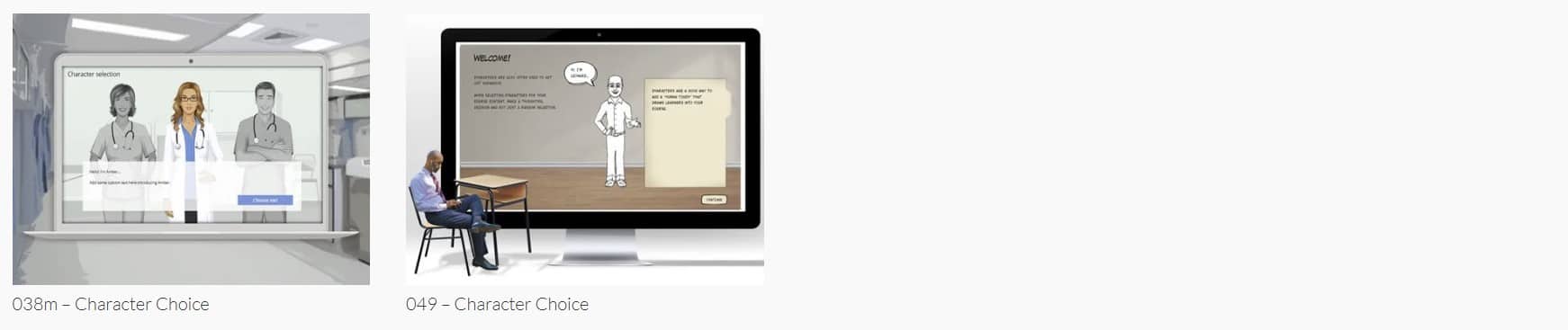 https://storylinetemplateslibrary.com/template-library/interactions/character-choice/
Knowledge Checks & Quiz Patterns
Best for: reinforcement, comprehension checks, pre/post assessments.
Common patterns include:
- Multiple choice layouts
- Multi-select questions
- True/false screens
- Matching concepts
- Inline knowledge checks
What learners do: Answer questions and receive feedback.
Text Entry Examples:
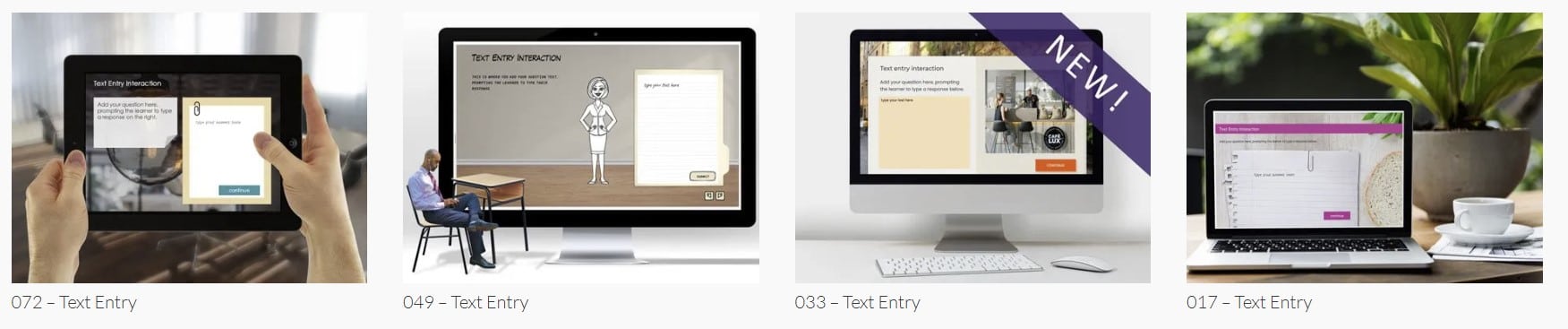 https://storylinetemplateslibrary.com/template-library/interactions/text-entry/
Process & Step Flow Interactions
Best for: sequences, cause-and-effect, behavioral pathways, staged risk models.
Common patterns include:
- Step-by-step flows
- Timelines
- Journey maps
- Phase diagrams
- Decision trees
- Sliders (often used for staged progression or controlled reveal)
What learners do: Move through structured stages of a process.
Step Process Examples:

Slider Examples:
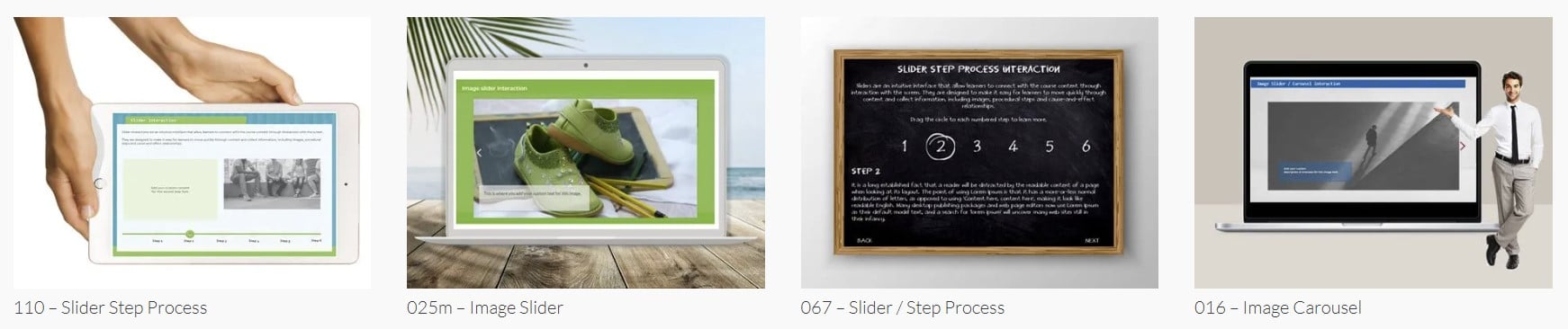
https://storylinetemplateslibrary.com/template-library/interactions/sliders/
Matching & Sorting Interactions
Best for: classification, recognition, concept grouping.
Common patterns include:
- Match pairs
- Category sorting
- Label diagrams
- Drag-to-group patterns (conceptual — implemented differently in HTML)
What learners do: Classify or pair related items.
Drag and Drop Examples:
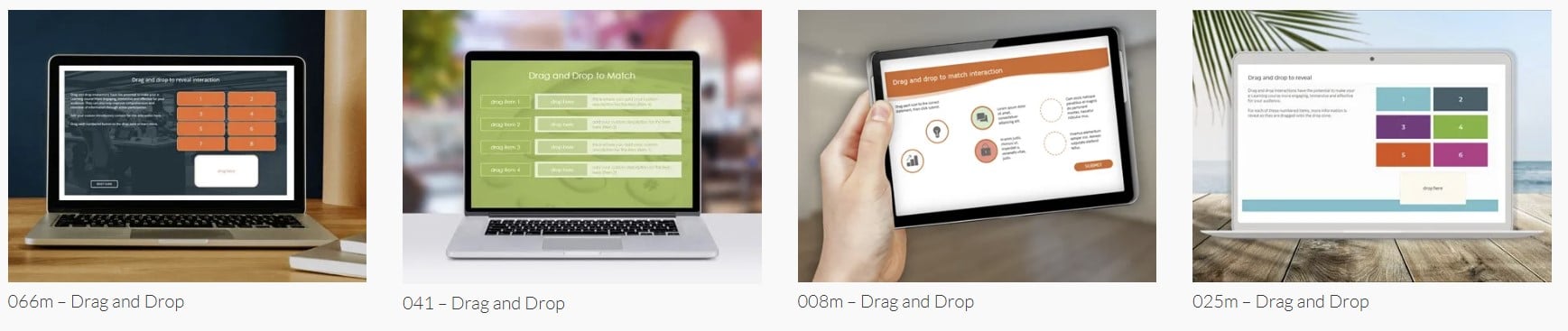 https://storylinetemplateslibrary.com/template-library/interactions/drag-and-drop/